起因
主要是在打靶的时候,由于高延迟,扫描过程非常的慢,直接在vps上打靶又不太安全。所以就急需要寻找一种方法来实现靶场的快速扫描。
容器技术
在这里,我们可以根据文章如何优雅地在vps上部署图形化Kali Linux(Debian篇)中选用LXC容器技术,来配置我们的Kali。该文章提出了选择LXC容器而不选择Docker容器的一个重要原因,即在文件持久性方面,Docker对于桌面系统不友好,容器一毁数据日志皆可能被毁。
需求
- Kali自身可以上网
- 管理端口对外
- 图形X-window系统
开始配置
- 更新软件包
sudo apt update- 安装所需软件包
apt install -y lxc bridge-utils ipset ufw net-tools- 配置LXC存储到固定目录
echo 'lxc.lxcpath = /data/lxc' > /etc/lxc/lxc.conf- 清华镜像站下载kali lxc最新包
mkdir -p /data/lxc/leaner-kali/rootfs
cd /data//lxc/leaner-kali/rootfs/

wget https://images.linuxcontainers.org/images/kali/current/amd64/default/20260120_17:14/rootfs.tar.xz- 使用xz命令加上参数d(表示“decompress”,意为“解压”)进行解压。
xz -d rootfs.tar.xz- tar命令提取文件
tar -xvf rootfs.tar参数说明:
- -x:表示“extract”,即提取归档文件中的内容。
- -v:表示“verbose”,即在提取过程中显示详细信息。
- -f:表示“file”,后接要操作的文件名。
- 将文件包删除或移动
mv rootfs.tar /data/backups- 配置虚拟网卡
sudo vim /etc/network/interfaces将下面的内容接着/etc/network/interfaces文件末尾写入。
auto vmbr0
iface vmbr0 inet static
    address 10.8.6.1/24
    bridge-ports none
    bridge-stp off
bridge-fd 0- 重启网络
/etc/init.d/networking restart- 在
/data/lxc/leaner-kali/config中写入以下配置(注意修改lxc.rootfs.path和lxc.uts.name):
# Template used to create this container: /usr/share/lxc/templates/lxc-download
# Parameters passed to the template: -d kali -a amd64
# For additional config options, please look at lxc.container.conf(5)

# Uncomment the following line to support nesting containers:
#lxc.include = /usr/share/lxc/config/nesting.conf
# (Be aware this has security implications)


# Distribution configuration
lxc.include = /usr/share/lxc/config/common.conf
lxc.arch = linux64

# Container specific configuration
lxc.apparmor.profile = generated
lxc.apparmor.allow_nesting = 1
lxc.rootfs.path = dir:/data/lxc/leaner-kali/rootfs
lxc.uts.name = leaner-kali

# Network configuration
lxc.net.0.type = veth
lxc.net.0.link = vmbr0

lxc.start.auto = 1
#lxc.apparmor.profile = unconfined

lxc.cgroup.devices.allow = a
lxc.cap.drop =- 在文件
/data/lxc/leaner-kali/rootfs/etc/network/interfaces中配置kali自身的网络地址
# This file describes the network interfaces available on your system
# and how to activate them. For more information, see interfaces(5).

# The loopback network interface
auto lo
iface lo inet loopback

auto eth0
iface eth0 inet static
        address 10.8.6.2/24
        gateway 10.8.6.1
        dns-nameservers 192.168.15.1

source /etc/network/interfaces.d/*.cfg- 启动并进入kali系统
lxc-start -n leaner-kali
lxc-attach -n leaner-kali- 退出kali,在本机上配置kali联网需求以及管理端口的对外映射,
/etc/rc.local内容如下
#!/bin/sh
#
# rc.local
#
# This script is executed at the end of each multiuser runlevel.
# Make sure that the script will "exit 0" on success or any other
# value on error.
#
# In order to enable or disable this script just change the execution
# bits.
#
# By default this script does nothing.
ipset -N extranet_access iphash
ipset add extranet_access 10.8.6.2 # kali host ip address
iptables -t nat -A POSTROUTING -m set --match-set extranet_access src -j MASQUERADE

iptables -t nat -A PREROUTING -i eth0 -p tcp --dport 2222 -j DNAT --to-destination 10.8.6.2:22
iptables -t nat -A PREROUTING -i eth0 -p tcp --dport 3389 -j DNAT --to-destination 10.8.6.2:3389
#iptables -t nat -A PREROUTING -i eth0 -p tcp --dport 4444 -j DNAT --to-destination 10.8.6.2:4444
#iptables -t nat -A PREROUTING -i eth0 -p tcp --dport 4433 -j DNAT --to-destination 10.8.6.2:4433
exit注意:eth0 为绑定对外IP地址的接口,ifconfig可以查看。另外需要在终端即时执行一次。
- 本机配置开机自启服务
chmod +x /etc/rc.local
systemctl enable rc-local注意:可能会出现下面的提示。
The unit files have no installation config (WantedBy=, RequiredBy=, Also=,
Alias= settings in the [Install] section, and DefaultInstance= for template
units). This means they are not meant to be enabled using systemctl.

Possible reasons for having this kind of units are:
• A unit may be statically enabled by being symlinked from another unit's
  .wants/ or .requires/ directory.
• A unit's purpose may be to act as a helper for some other unit which has
  a requirement dependency on it.
• A unit may be started when needed via activation (socket, path, timer,
  D-Bus, udev, scripted systemctl call, ...).
• In case of template units, the unit is meant to be enabled with some
instance name specified.查看 /etc/systemd/system/rc-local.service 或 /lib/systemd/system/rc-local.service 文件是否缺失下面内容,在末尾补上即可。
[Install]
WantedBy=multi-user.target- 进入kali,进行普通用户创建
adduser ehl #创建用户

usermod -aG sudo ehl #加入特权组- sudo组免密特权,将下面内容写入
/etc/sudoers
%sudo ALL=(ALL:ALL) NOPASSWD:ALL- 退出kali,主机运行下面命令
ipset -N extranet_access iphash
ipset add extranet_access 10.8.6.2 # kali host ip address
iptables -t nat -A POSTROUTING -m set --match-set extranet_access src -j MASQUERADE- 主机ping一下lxc容器
ping 10.8.6.2
PING 10.8.6.2 (10.8.6.2) 56(84) bytes of data.
64 bytes from 10.8.6.2: icmp_seq=1 ttl=64 time=0.112 ms
64 bytes from 10.8.6.2: icmp_seq=2 ttl=64 time=0.113 ms
64 bytes from 10.8.6.2: icmp_seq=3 ttl=64 time=0.120 ms- lxc容器在文件/etc/resolv.conf设置dns服务器,把下面这一行添加进去即可实现kai联网
nameserver 8.8.8.8- 更新软件包,安装必要软件并启动服务
apt update
apt install openssh-server kali-desktop-xfce xorg xrdp iputils-ping -y

systemctl start ssh
systemctl start xrdp
systemctl enable ssh
systemctl enable xrdp连接测试
映射端口
iptables -t nat -A PREROUTING -i eth0 -p tcp --dport 2222 -j DNAT --to-destination 10.8.6.2:22
iptables -t nat -A PREROUTING -i eth0 -p tcp --dport 3389 -j DNAT --to-destination 10.8.6.2:3389开放服务器端口后,使用Windows自带的远程连接工具可以直接连接到kali。
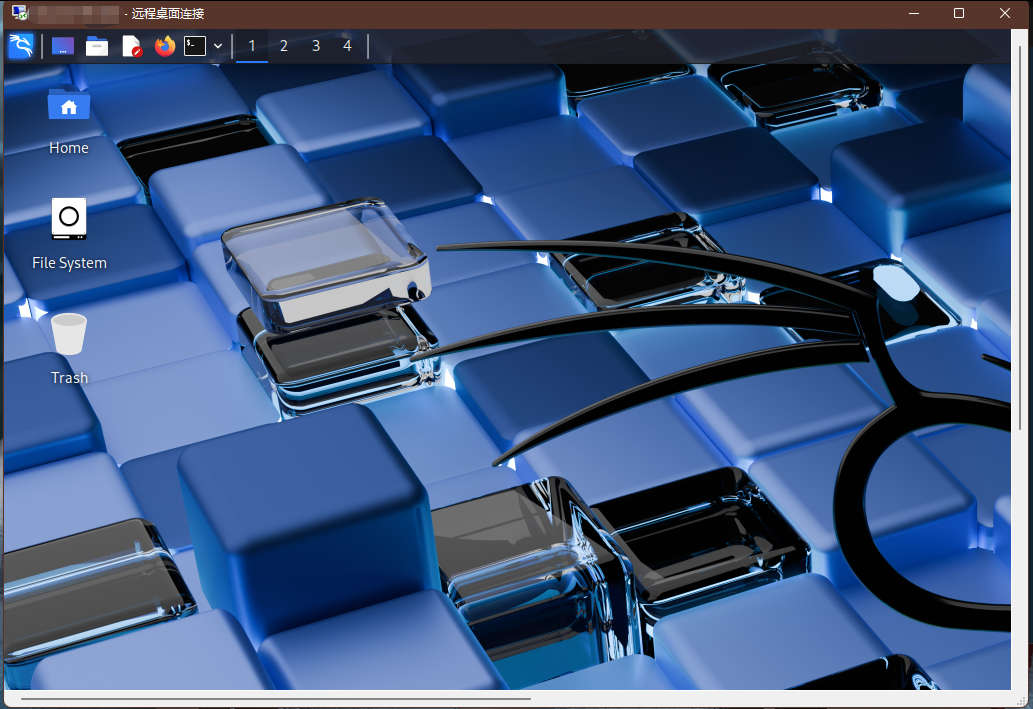
注意:反弹shell时要将端口映射好,并且开放相应端口。
测试后续
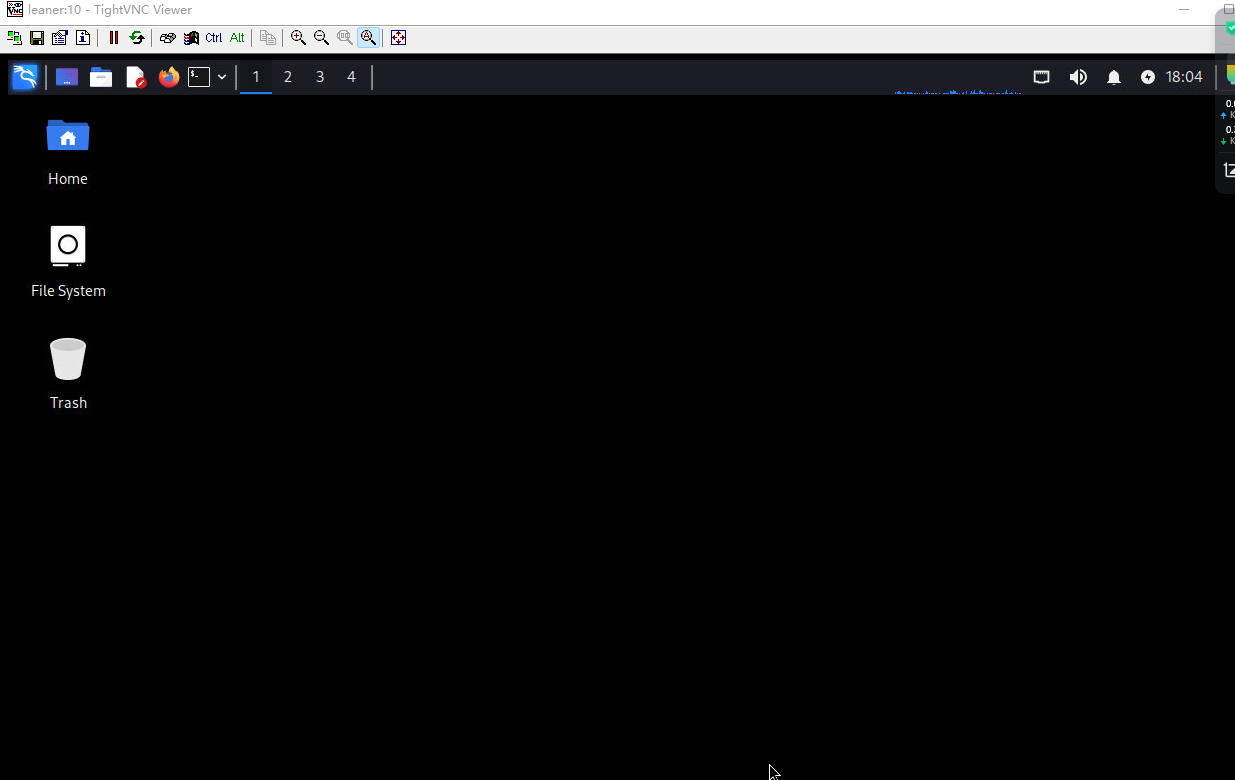
以上方法,需要有足够的带宽,不然kali用起来会非常的卡顿。关闭Kali背景图和一些动态效果,卡顿可以减轻一点,但开启软件依然会卡顿,然而服务器本身的占用并不高,猜测应该是传输实时图像的时候没有进行有效的压缩,在色彩饱和的时候传输图像所需的带宽变得很大。
如果带宽比较低,推荐的方法是使用VNC来连接,经过实测虽然画面稍微糊点。但是真的很流畅。